How Can Small Business Automation Help You Follow Up Better?
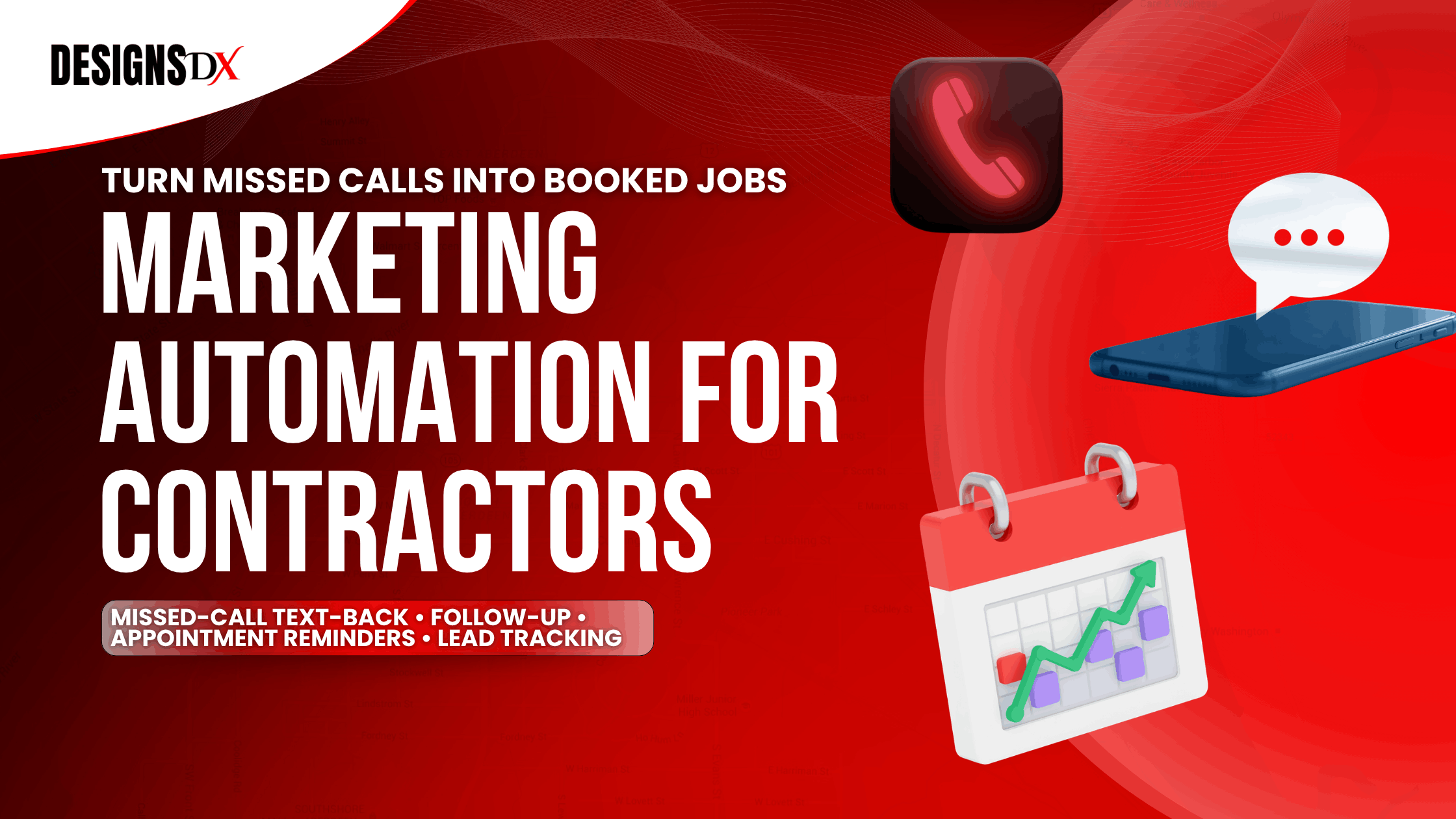
Additionally, small business automation helps business owners follow up with leads faster, stay organized, and avoid losing people who are ready to buy. When every call, form, email, and message is tracked in one place, your team can respond quickly without relying on memory, sticky notes, or scattered spreadsheets.
Furthermore, in this guide, we explain how small business automation works, why follow-up matters, and how the right tools can help you save time, book more jobs, and keep leads from falling through the cracks. For contractors, see how our marketing automation for contractors keeps every lead moving toward a booked job.
What Is Small Business Automation?
Small business automation means using simple tools to handle repeat tasks for your business. Instead of manually sending every reminder, follow-up message, or appointment note, the system helps do it for you.
However, For example, small business automation can help with:
However, the goal is not to replace real conversations.The goal is not to replace real conversations. Instead, the goal is to make sure no lead is forgotten.
For a deeper overview, read this guide on small business automation tools.
Why Do Small Businesses Struggle Without Small Business Automation?
Many small businesses lose leads because they are busy doing the actual work. As a result, calls come in, forms get submitted, messages pile up, and follow-up gets delayed.
Consequently, Without small business automation, common problems include:
This is where business automation tools can help. As a result, they make follow-up easier, faster, and more consistent.
For instance, In addition, the U.S. Small Business Administration also recommends having a clear marketing and sales plan so business owners know how customers move from first contact to sale.
How Can CRM With Automation Improve Follow-Up?
A CRM with automation keeps lead details, notes, messages, and next steps in one place. Because of this, your team can see what needs attention faster. It also helps your team see who contacted you, what they need, and what should happen next.
For example, a CRM with automation can help by:
Moreover, while a basic CRM may only store information.
Likewise, For small businesses, this can be the difference between a missed opportunity and a booked job.
How Does Email Follow-Up Automation Help Small Businesses?
Email follow-up automation helps you stay in touch with leads without having to write every email by hand. That means your business can keep the conversation going even when your team is busy. It can send friendly reminders, appointment details, estimate follow-ups, and check-ins after someone contacts your business.
With this in mind, For example, email follow-up automation works well for:
When used correctly, email follow-up automation does not feel cold or robotic. Instead, it should sound like your business and guide the customer to the next step.
In addition, Mailchimp also explains that automated email follow-ups can help businesses save time, stay consistent, and keep customers engaged.
What Should CRM Automation Tools Do for a Small Business?
CRM automation tools should make your business easier to manage. Most importantly, they should help your team follow up without confusion. They should also help you capture leads, follow up faster, track progress, and see what is working.
Overall, For example, the best CRM automation tools should help with:
However, CRM automation tools should not make your process more confusing. Instead, they should make your follow-up system easier to understand and easier to use.
Furthermore, Also, you can read this related guide on CRM automation tools for small businesses.
Why Are Business Automation Tools Better Than Manual Follow-Up?
Manual follow-up depends on memory. Because of this, leads can be missed when the day gets busy. On the other hand, business automation tools create a repeatable system.
For example, with manual follow-up, leads can get lost when:
As a result, business automation tools help prevent those problems by keeping everything organized and moving.
In addition, That means fewer missed leads, faster replies, and more chances to turn inquiries into customers.
What Should Small Businesses Automate First?
Small businesses do not need to automate everything at once. Instead, they should start with the tasks that affect leads and follow-up first.
For example, the best places to start include:
For a step-by-step setup, see this guide on how to implement marketing automation.
What Mistakes Should Contractors Avoid With Automation?
Small business automation works best when it supports your real process. In other words, it should help your team, not make the work harder. However, it should not make your business sound cold, confusing, or impersonal.
For example, avoid these mistakes:
Overall, good automation should feel helpful to the customer and simple for your team.
In fact, In addition, the Federal Trade Commission also shares helpful small business guidance on protecting customer information and avoiding problems that can hurt trust.
Specifically, Small business automation helps you follow up better by making sure leads are answered, tracked, and guided to the next step. When your follow-up system is clear, your business can save time, reduce missed opportunities, and turn more leads into customers.
Learn more about our marketing automation services or explore our contractor marketing case studies to see how better systems support real business growth.

Frequently Asked Questions
Related Posts